

Payment Integration
Accept Payments Through Google Forms
Transform your Google Forms into payment-enabled forms with Stripe, PayPal, Venmo and more.
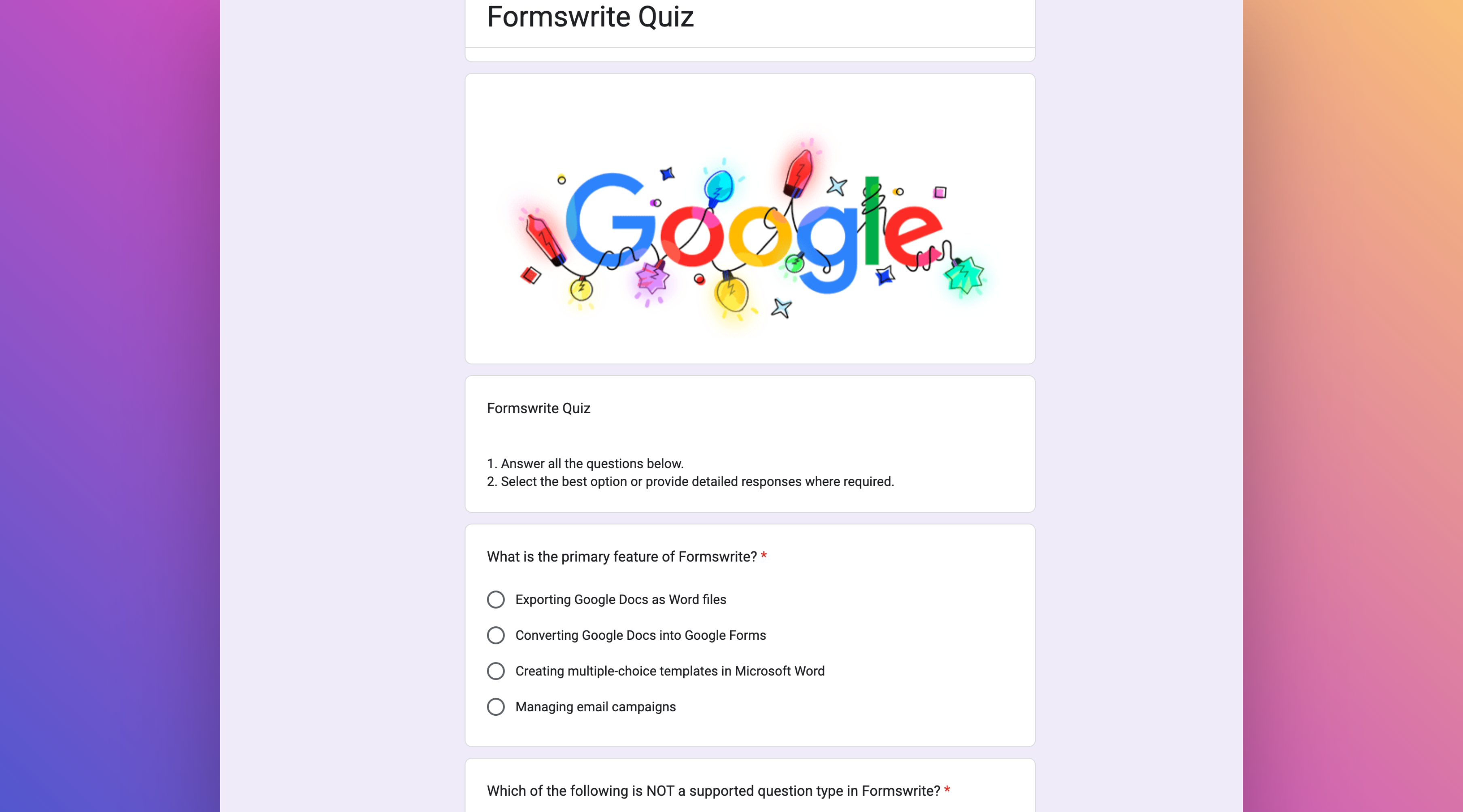
How it works?
Enable secure payment collection through Google Forms with multiple payment providers. Perfect for event registration, product sales, and service bookings.
Step 1
Create Your Form
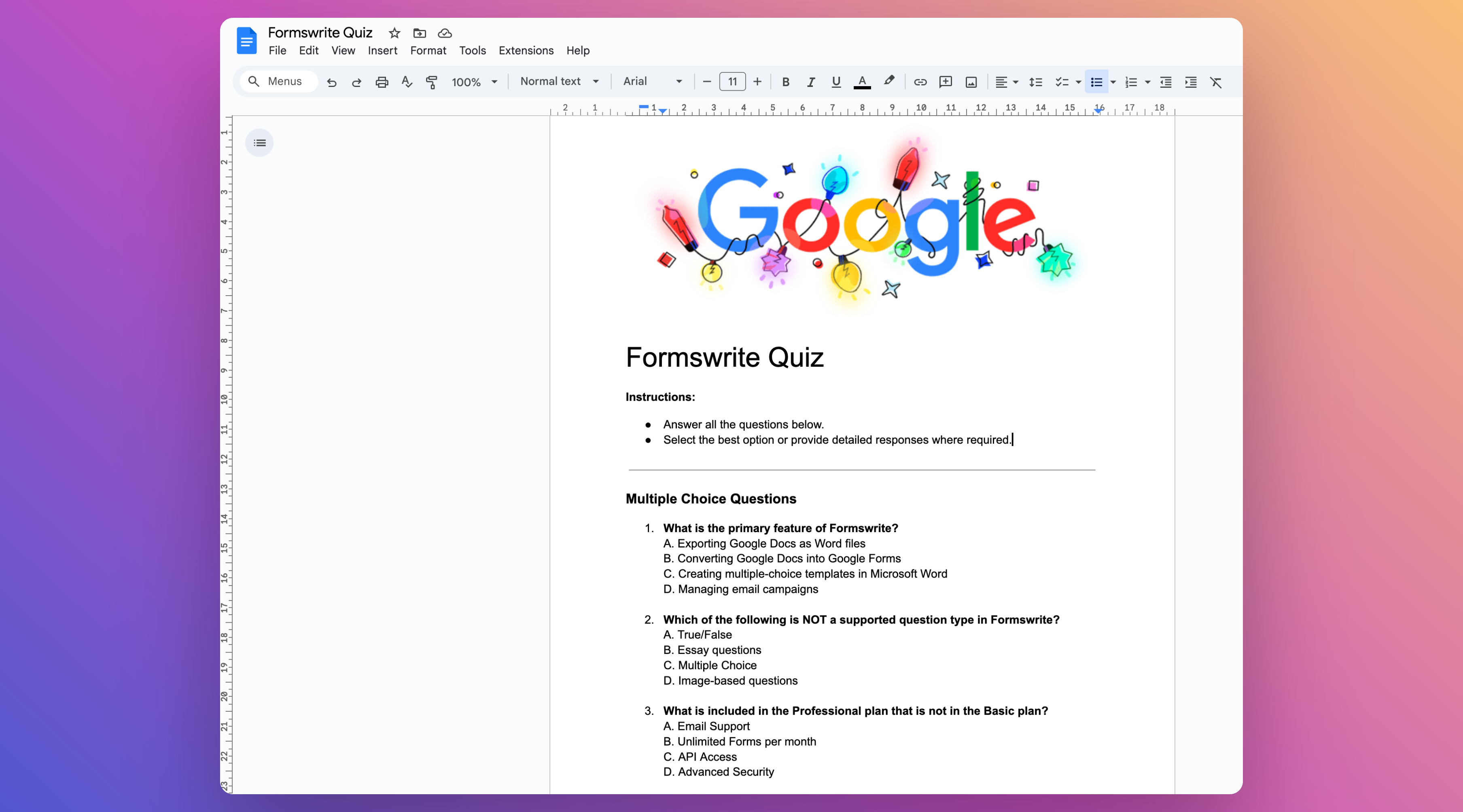
Start with any Google Form - registration forms, order forms, event tickets, or service bookings. Formswrite integrates seamlessly with your existing workflow.
Step 2
Add Payment Options
Connect your preferred payment providers including Stripe, PayPal, and Venmo. Set pricing, configure payment flows, and customize checkout experiences.

Step 3
Monitor & Manage
Track payments, manage transactions, and access detailed analytics. Automatic receipt generation and secure payment processing included.

Simple, Transparent Pricing
Start for free. Upgrade anytime.
Yearly
✨ Save 70%
Payment will be processed in USD, EUR, SGD, BRL, JPY, or INR.
Free
Get started free with 5 forms
Free
No credit card required.

5 Formswrite Forms
AI Builder (Fred AI)
10 AI questions per month
Browse Question Bank
Best Value
Pro
Unlimited everything, no limits
$79
/yearCancel anytime.
Everything in Free, plus:
Unlimited conversions
All 25+ export formats
Unlimited AI questions
Unlimited AI Lesson Plans
Unlimited AI Rubrics
Unlimited AI Worksheets
Flashcards
Presentation Decks
AI Video Lessons
Audio Lessons
Comics
Podcasts
Formswrite Play (Gamify Quizzes)
YouTube Video to Quiz
Bulk convert
Priority support
Lifetime
Pay once, use forever
$199
one-timeOne-time payment. No recurring fees.
Everything in Pro
Flashcards
Presentation Decks
AI Video Lessons
Audio Lessons
Comics
Podcasts
Formswrite Play (Gamify Quizzes)
YouTube Video to Quiz
One-time payment
Lifetime access to all features
All future updates included
Priority support forever
Frequently Asked Questions
We have compiled a list of the most frequently asked questions. If you have any other questions, please contact us.
Formswrite makes it easy to convert your Google Docs into Google Forms. Simply write your quiz or assessment in Google Docs following our simple formatting guidelines, then use our one-click conversion to transform it into an interactive Google Form.
We support multiple choice questions (MCQ), true/false questions, open-ended questions, and more. Our system automatically detects the question type and formats it appropriately in Google Forms.
Formswrite is a productivity tool that helps educators and trainers convert their Google Docs into interactive Google Forms with just one click. Perfect for creating quizzes, assessments, and surveys quickly and efficiently.
Yes, any images in your Google Doc will be automatically included in your Google Form. Images are properly formatted and optimized for the best viewing experience.
We provide simple formatting guidelines that make it easy to structure your questions. You can use regular Google Docs formatting, and our system will automatically detect question types and convert them appropriately.
Yes, you can specify correct answers and assign point values to questions in your Google Doc. These will be automatically configured in the resulting Google Form.
Yes, you can organize your form into sections using headings in Google Docs. These will be converted into proper form sections in Google Forms.
You can convert up to 75 documents to forms per month on our basic plan. This is sufficient for most educators and small organizations.
Yes! Our bulk conversion feature allows you to convert multiple Google Docs to Forms simultaneously, saving you even more time.
Your forms will remain in your Google Drive and continue to work normally. Formswrite only handles the conversion process.
Yes, you can edit your forms directly in Google Forms after conversion. Any changes you make will be preserved.
Yes, Formswrite works with any Google Workspace account, including education accounts. We offer special pricing for educational institutions. Contact us to learn more.
Yes, we provide a variety of quiz and assessment templates to help you get started quickly. You can also save your own documents as templates for future use.
Want to learn more about Formswrite? Talk to our support